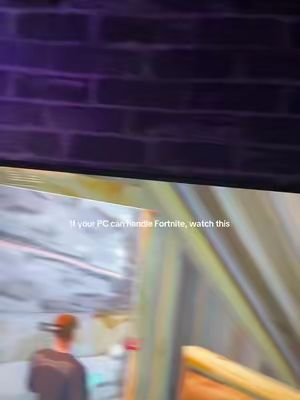
“If your PC can handle Fortnite, watch this. And do you want 240 FPS like this? Watch this?”
@xaz123131234 · 104 followers
We have not measured this creator's own baseline yet, so we cannot say whether 84K views was a hit or an ordinary day for them. It needs 10+ posts in 180 days.
The video demonstrates how to use the 'Hone' app to optimize Fortnite settings for improved FPS. It shows the process of downloading and installing the app, navigating to game settings, and applying performance optimizations, including pro player settings, to achieve 240 FPS.
Open original ↗84K
Views
2.7%
Engagement
75/100
Virality
Likes 2.2KComments 77Shares 78
Why it worked
This video works because it addresses a common pain point for gamers: low FPS. It offers a clear, step-by-step solution using a specific tool, promising a tangible improvement (240 FPS). The use of a deep, authoritative voiceover adds credibility, and the before-and-after FPS display provides immediate visual proof of the benefit. The call to action to "enjoy clipping kids" resonates with the target audience.
Clear, step-by-step instructionsAddresses a common problem with a direct solutionVisual proof of FPS improvementAuthoritative voiceover adds credibility
gaming performancetech tutorialsoptimization guides
How to reproduce this format
More gaming hooks that worked
 “BEST OFFLINE GAMES [MOBILE]”×15848 its author's norm
 TikTok breakdown×10202 its author's norm
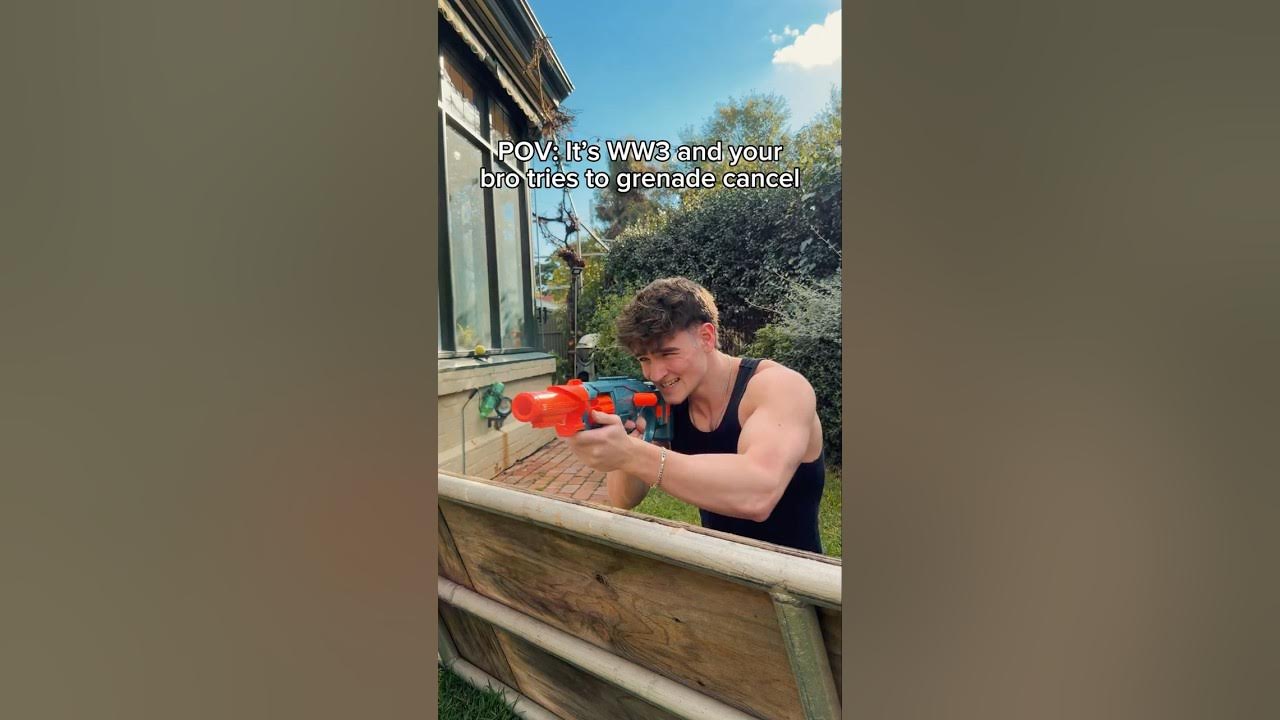 “POV: It's WW3 and your bro tries to grenade cancel”×9094 its author's norm
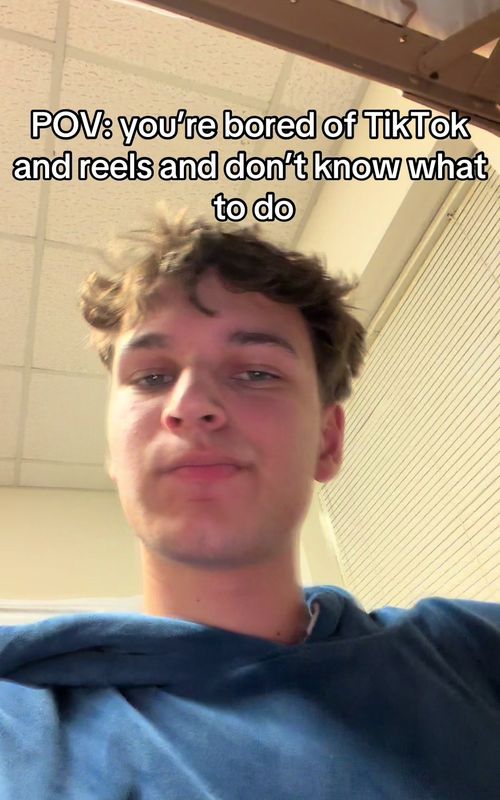 “POV: you're bored of TikTok and reels and don't know what to do”×5801 its author's norm
Explore more
@xaz123131234 full creator report→
Own norm, reach & audience
Free UGC price calculator→
Fair price from real median views
Auto viral trends→
Top videos ranked by views
Food viral trends→
Top videos ranked by views
Travel viral trends→
Top videos ranked by views
Fashion viral trends→
Top videos ranked by views